> ## Documentation Index
> Fetch the complete documentation index at: https://docs.cellulose.ai/llms.txt
> Use this file to discover all available pages before exploring further.
# Personal API Keys
Personal API keys allow you to interact programmatically with your Cellulose
account. For example, by providing an API key to the Cellulose SDK, you can
upload your ML models to the dashboard without having to open your web browser!
## Creating your first Personal API Key
You can create and delete (revoke) API keys right from the Cellulose dashboard.
Here's how to do it:
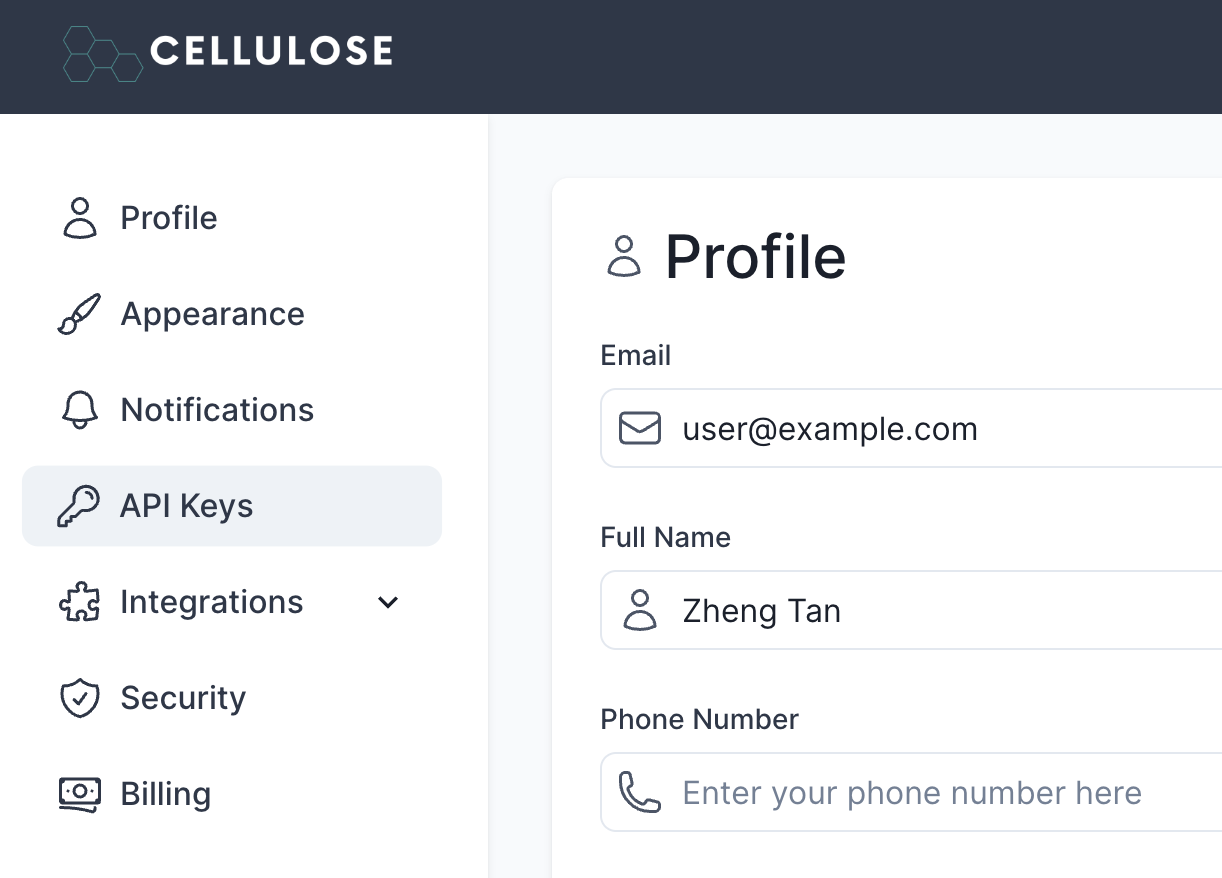
1. Navigate to the Settings section by clicking on it at the top right of your
profile.
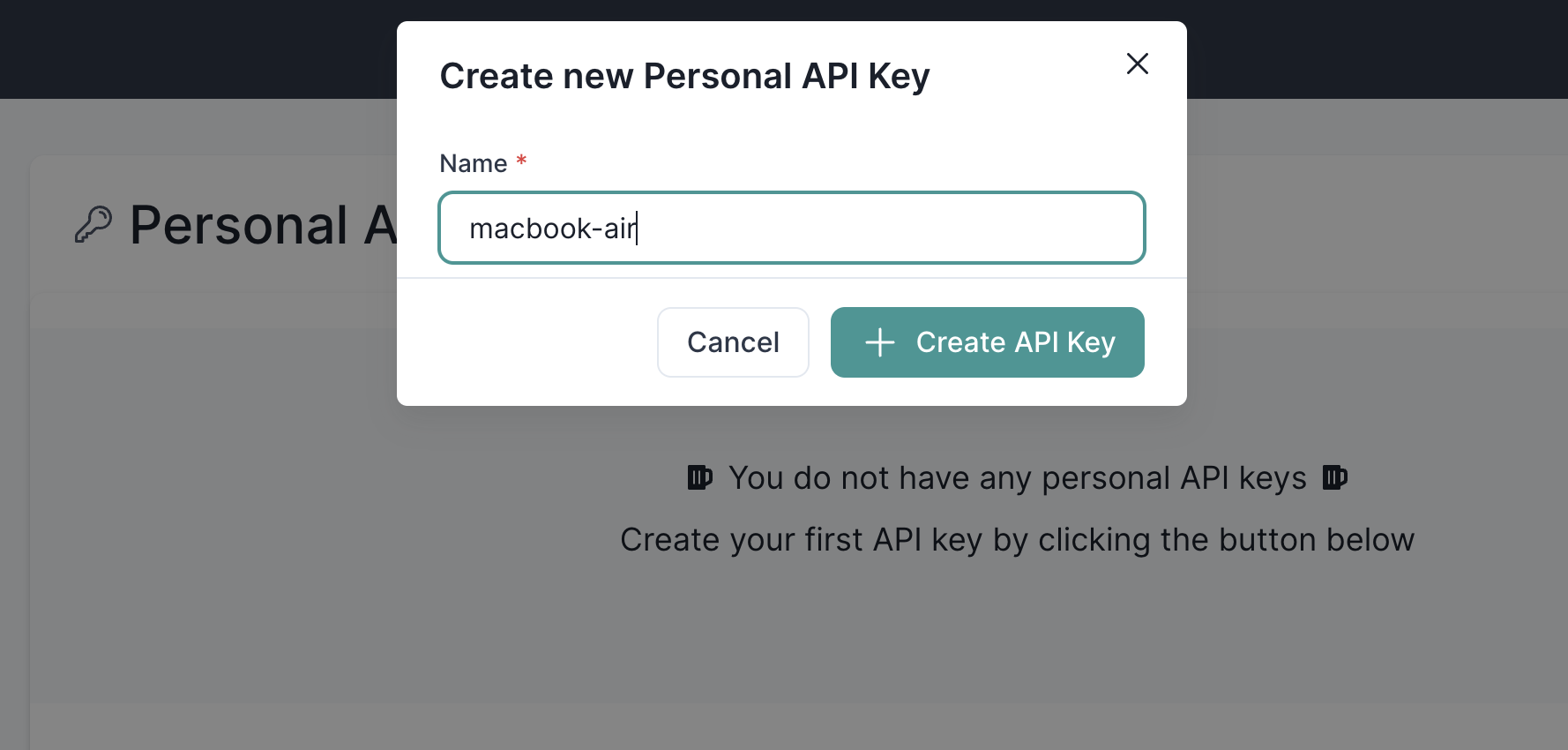
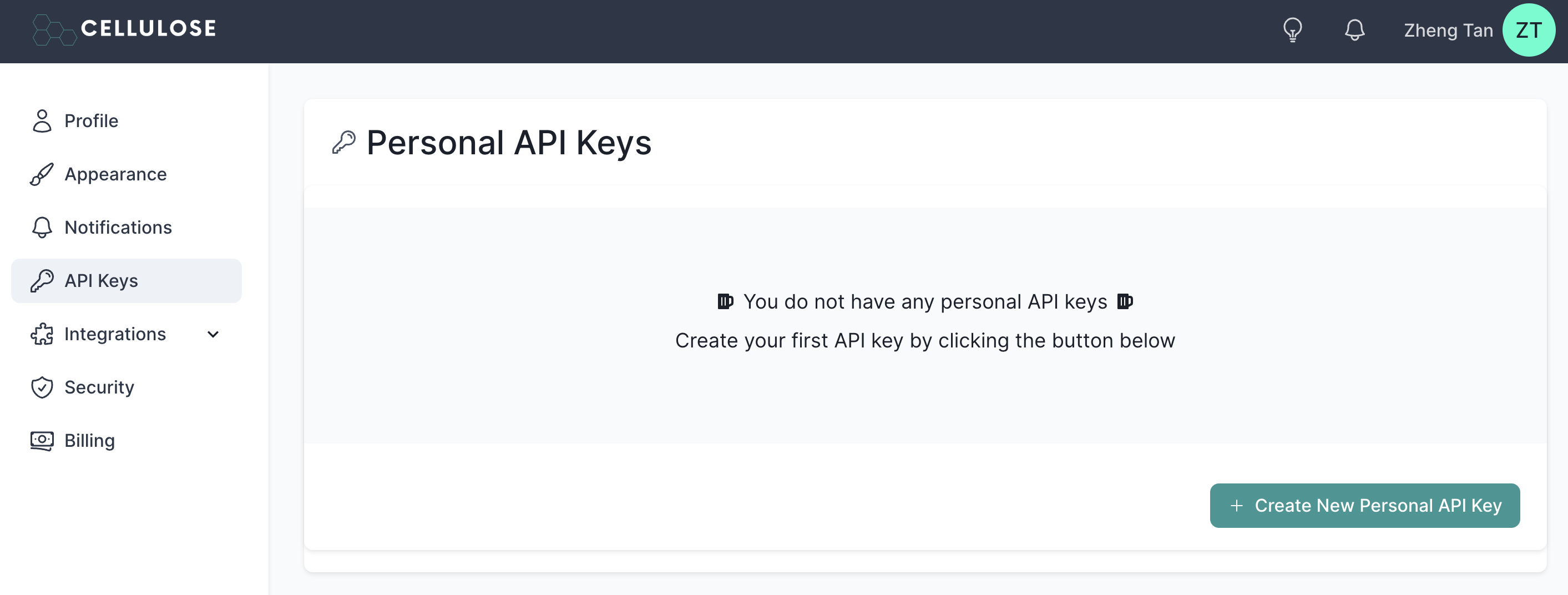 2. Let's create your first API key. Give it a name and click "Create API Key"
 Congratulations! You've created your first API key! Feel free to create as
many as you'd like.
Congratulations! You've created your first API key! Feel free to create as
many as you'd like.
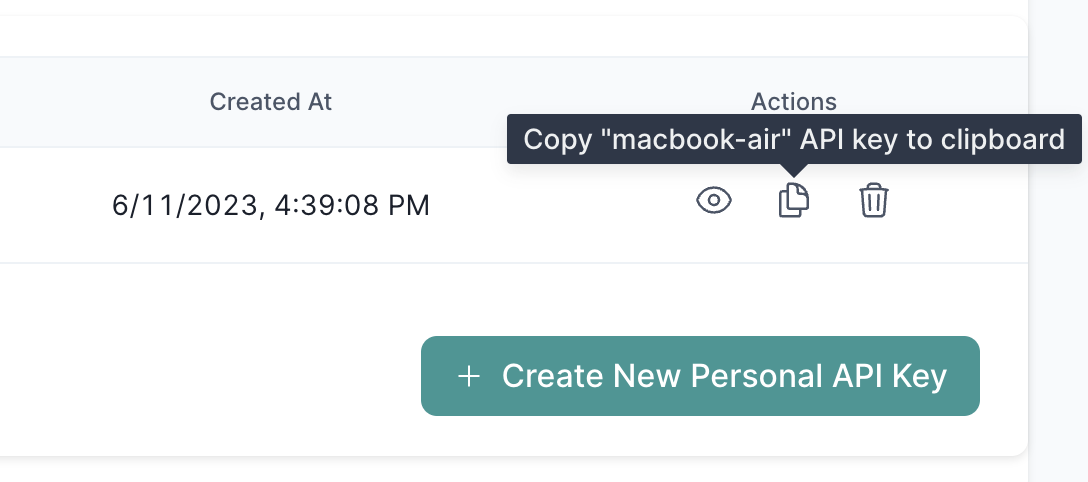
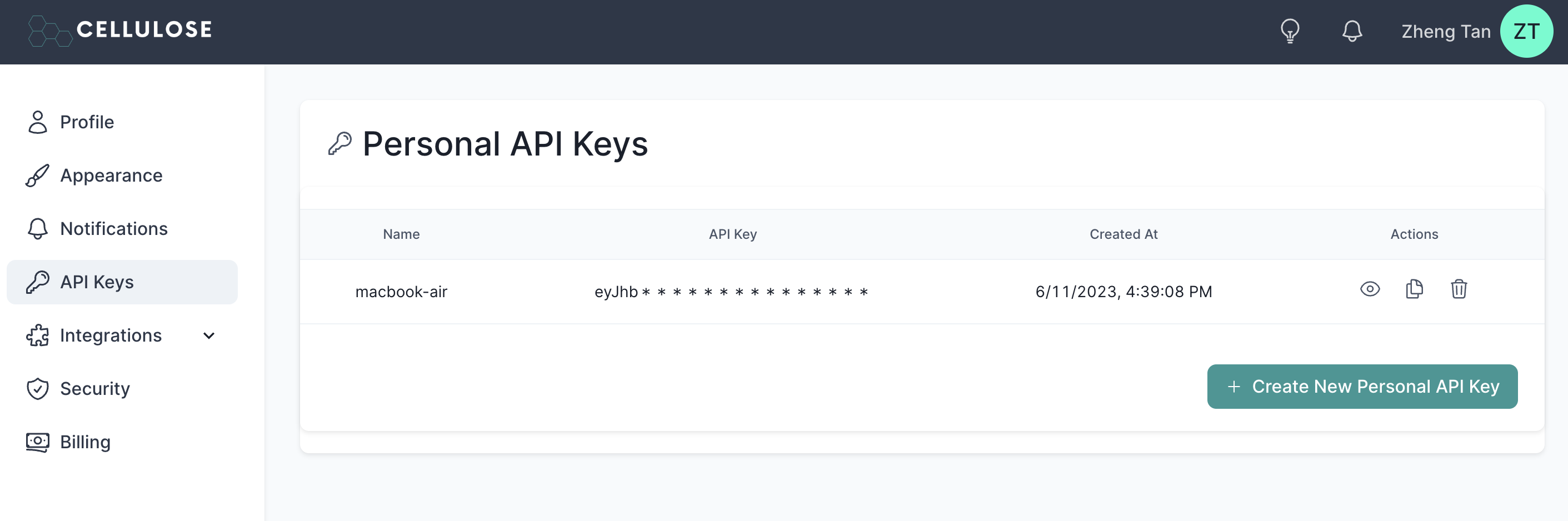 Click on the "copy" icon to copy it to your clipboard.
 ## Deleting your API keys
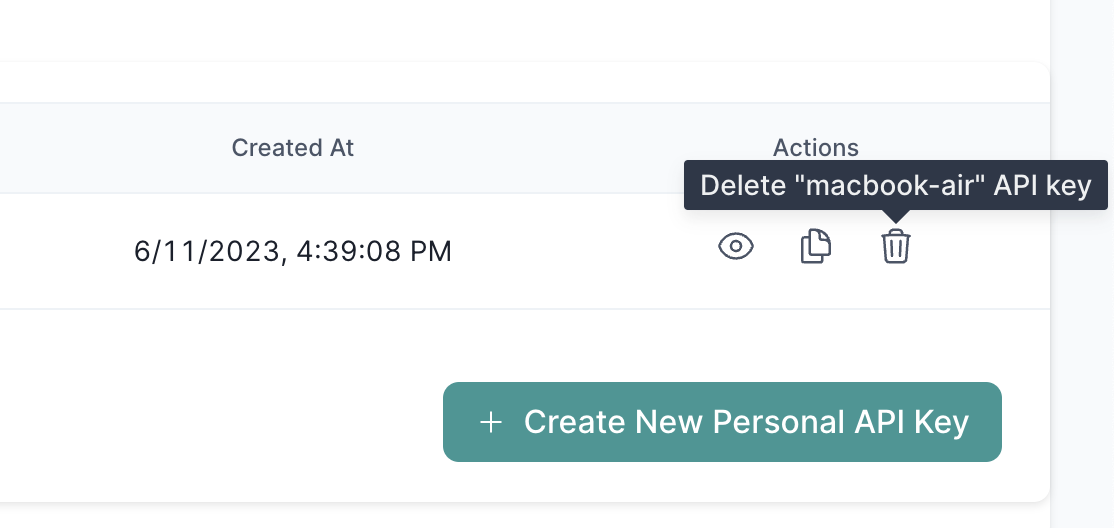
Delete / remove / revoke your API keys as follows:
## Deleting your API keys
Delete / remove / revoke your API keys as follows:
 We don't currently support automated API key rotations, but this should be
trivial to do and something we can definitely support in the future.
## API Key Best Practices
Your personal API keys have full access to your Cellulose account.
We recommend treating your personal API keys as sensitive information like you
do with passwords.
Here are some best practices:
1. Restrict usage / retrieval of your API keys to the small subset of
development / production machines that need them. Even better, create one for
each of them so you can better isolate intrusions and revoke them in a timely
manner.
2. Don't store the API key(s) in plaintext or code like in a version control
system. Use a managed secrets / password manager instead.
If you believe your API key is compromised, we highly recommend deleting
(revoking) it and creating a new one.
## Restricted API keys
Restricted API keys (permission scoped) coming soon!
## Have questions / need help?
Please reach out to [support@cellulose.ai](mailto:support@cellulose.ai), and we'll get back to you as soon
as possible.
We don't currently support automated API key rotations, but this should be
trivial to do and something we can definitely support in the future.
## API Key Best Practices
Your personal API keys have full access to your Cellulose account.
We recommend treating your personal API keys as sensitive information like you
do with passwords.
Here are some best practices:
1. Restrict usage / retrieval of your API keys to the small subset of
development / production machines that need them. Even better, create one for
each of them so you can better isolate intrusions and revoke them in a timely
manner.
2. Don't store the API key(s) in plaintext or code like in a version control
system. Use a managed secrets / password manager instead.
If you believe your API key is compromised, we highly recommend deleting
(revoking) it and creating a new one.
## Restricted API keys
Restricted API keys (permission scoped) coming soon!
## Have questions / need help?
Please reach out to [support@cellulose.ai](mailto:support@cellulose.ai), and we'll get back to you as soon
as possible.