> ## Documentation Index
> Fetch the complete documentation index at: https://docs.cellulose.ai/llms.txt
> Use this file to discover all available pages before exploring further.
# Revamp Model Editor UX
## Expand and Collapse Common Ops / Layers
One thing we've learned talking to some users is that many models tend to be
"complex enough" that it's hard to browse for a particular operation or layer.
There's just so much scrolling up/down for it. For example, `BatchNormalization
-> Relu -> ... -> BatchNormalization -> Relu -> Conv -> ...` Furthermore,
common backbones have repeating subgraphs that may not be of concern to the
user. Wouldn't it be nice to "tuck them away"?
We'd also like to introduce APIs / SDKs in the future where "Expand / Collapse
by default" can be annotated in model code as Python decorators or something
similar.
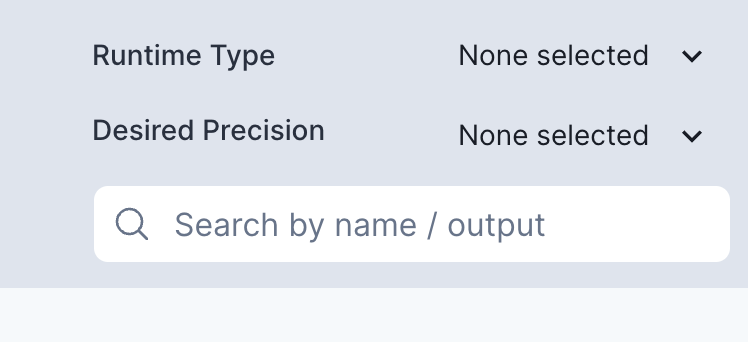
## Faster, Fuzzy Search for Op / Layer Names
The current Search functionality is very limited. It's case sensitive and we do
not do much indexing to make lookups any faster. We'll working to address these
soon.
We'd also like to add more complex searches where you can, for example, "filter
all layers where the output dimensions are `[256 x 64 x 1 x 1]`".
 ## Large Model Support
One of the downsides of ONNX is that its built on top of `protobuf`, and `protobuf`
has a hard size limit of 2GB. Depending on how you're setting up a large AI
model/pipeline, you may find yourself partitioning them into more than one
subgraph and would like to visualize them separately. [That's what we'd like to
build too!](https://news.ycombinator.com/item?id=35078940)
## Better input/output tensor shape information
A model doesn't always contain explicit shapes of each intermediate tensor. For
example, if we're given a batch size of N (upfront) that's configurable
from within the Cellulose dashboard, it should be trivial to figure out the
shape of a tensor somewhere in the middle of the graph. We'd like to generate
and make it visible on each node.
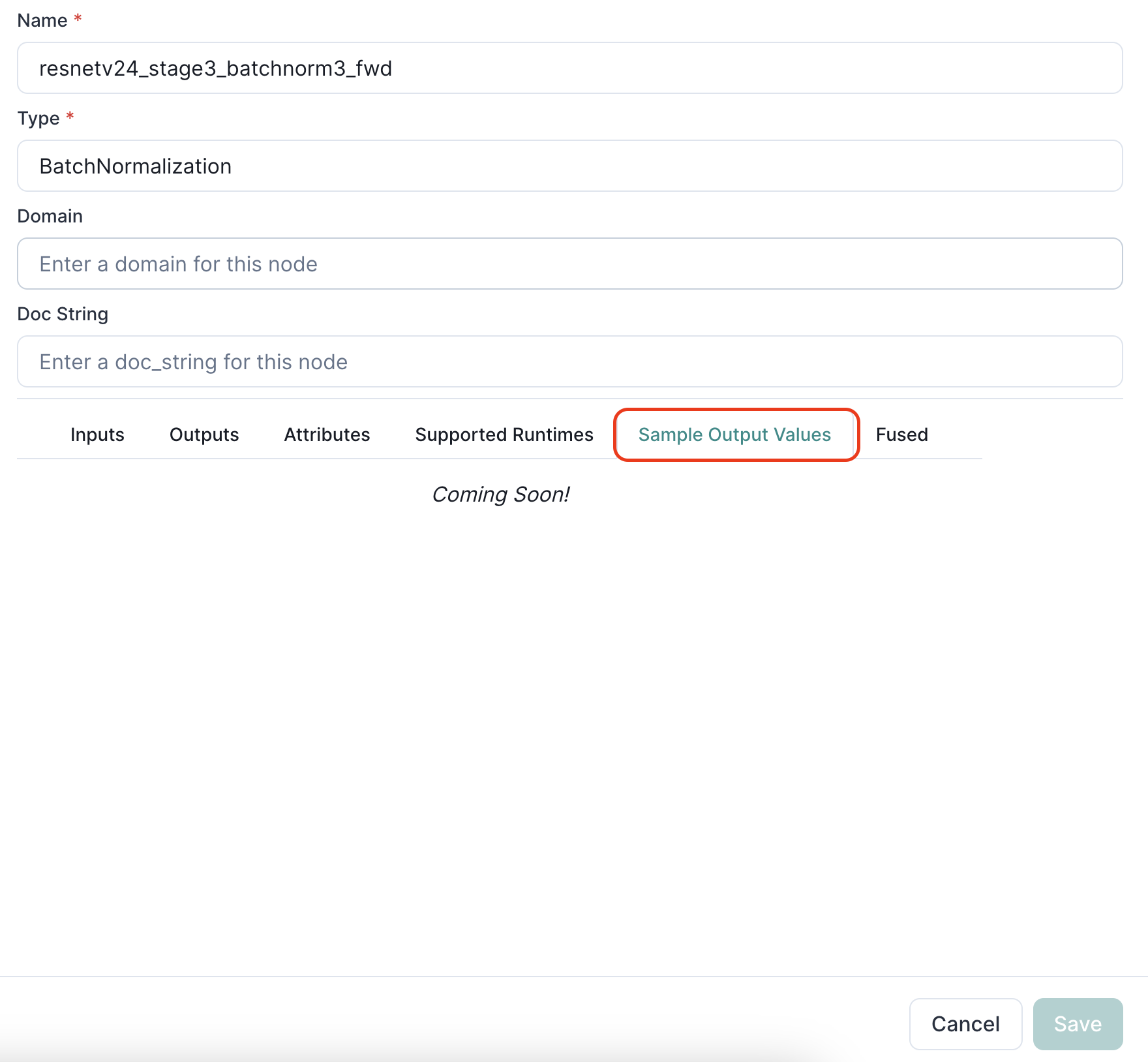
## Sample Outputs
Once we release a Cellulose SDK with APIs to specify calibration datasets, models
can then be placed in evaluation mode and some sample outputs, including intermediate
operations (in the middle of the graph) generated under the sample output values tab.
## Large Model Support
One of the downsides of ONNX is that its built on top of `protobuf`, and `protobuf`
has a hard size limit of 2GB. Depending on how you're setting up a large AI
model/pipeline, you may find yourself partitioning them into more than one
subgraph and would like to visualize them separately. [That's what we'd like to
build too!](https://news.ycombinator.com/item?id=35078940)
## Better input/output tensor shape information
A model doesn't always contain explicit shapes of each intermediate tensor. For
example, if we're given a batch size of N (upfront) that's configurable
from within the Cellulose dashboard, it should be trivial to figure out the
shape of a tensor somewhere in the middle of the graph. We'd like to generate
and make it visible on each node.
## Sample Outputs
Once we release a Cellulose SDK with APIs to specify calibration datasets, models
can then be placed in evaluation mode and some sample outputs, including intermediate
operations (in the middle of the graph) generated under the sample output values tab.
 ## Have questions / need help?
Please reach out to [support@cellulose.ai](mailto:support@cellulose.ai), and we'll get back to you as soon
as possible.
## Have questions / need help?
Please reach out to [support@cellulose.ai](mailto:support@cellulose.ai), and we'll get back to you as soon
as possible.